
Play. Record. Analyze. Iterate.
The gameplay capture and analysis platform built for every stage of development—from pre-production to post-launch.
Trusted by












From invites to findings. All in one platform.
Every playtester in the room. No room required.
Livestream Gallery View puts every session side by side, live — the same way you'd walk an observation lab and take notes while people play.
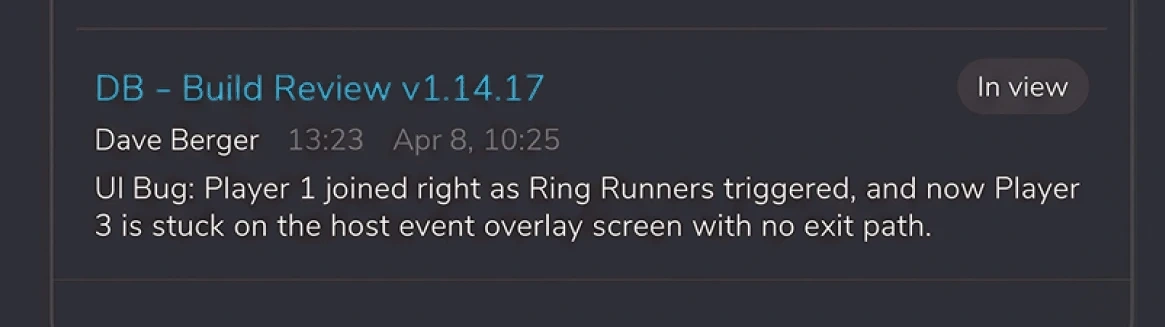
Take notes while they play
Annotate a stream as it happens. Every note is pinned to the exact moment, and the Global Annotations Feed collects them from every open session at once.
Clip it while it's still happening
Catch the moment as it plays out, without waiting for the session to end.
Bring stakeholders in to watch
Invite clients and teammates as guests to observe live and leave comments of their own. No account needed.
"Live Aware allowed us to build a culture where everyone's contributing feedback, not just a few dedicated team members and players. It's been invaluable for a game like ours where timing and feel are everything."

James Karras
Head of Development, Brain Jar Games
Every way in. One library.
However your team records — or however your players do — it lands in the right event automatically, with room to keep all of it for as long as you need.
Desktop Recorder
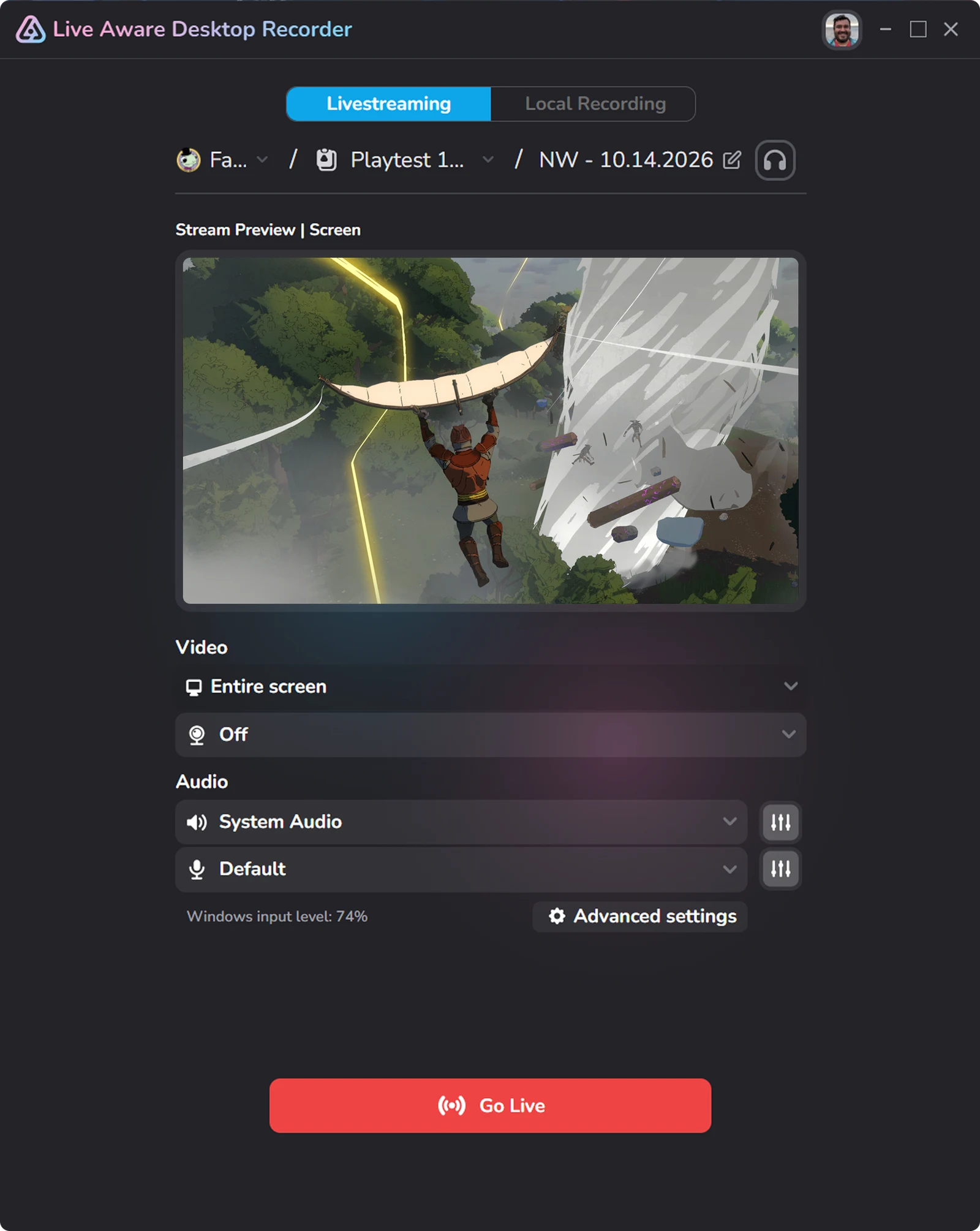
The fastest, easiest way to livestream or locally record high-quality gameplay video on Windows PCs.
Mobile Recorders
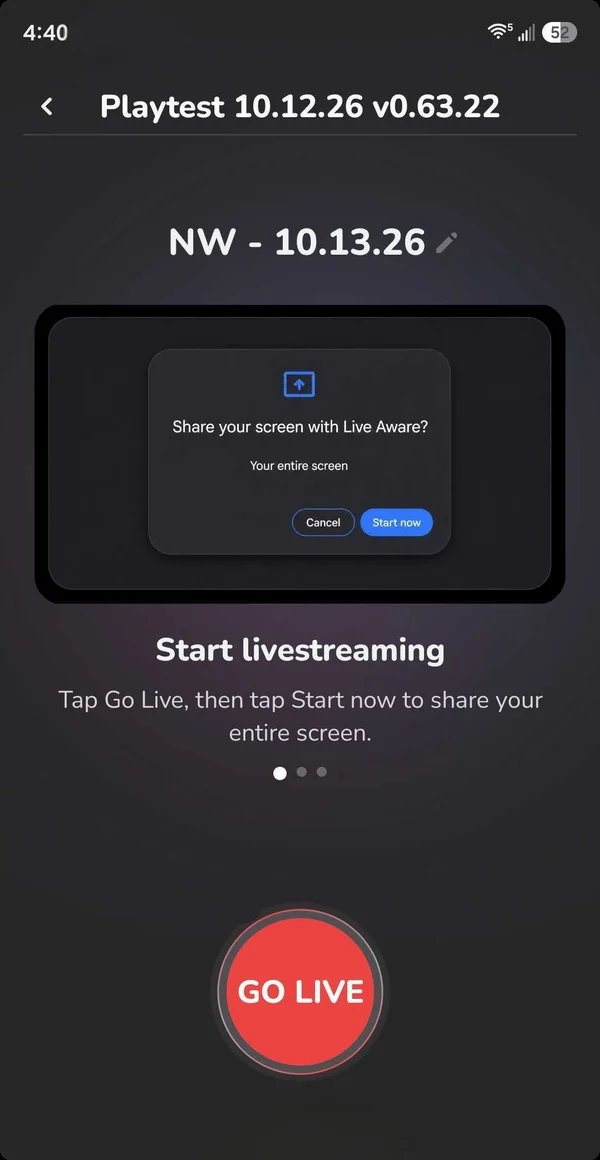
Playtesters livestream from their own iOS or Android device straight to your Live Aware workspace.
Self-Serve Stream Keys
Generate a stream key from inside any event and go live from OBS in seconds.
Direct Uploads
Upload video you already have — recorded with our Recorder or anything else — and it lands in the same library.
Hours of footage pile up fast. The moments find you.
Every session arrives already marked up, so the moments worth watching are visible before you press play.
Automatic Findings
Bugs, improvements, and praise are picked out and tagged Art, UX, Engineering, Audio, and more.
Event Dashboards
Every event builds its own dashboard, drawing findings from all of its videos into one view.
MCP Server
Connect Claude to your workspace and it can read your sessions and write back to them — automations shaped to how your studio works.
“Before Live Aware, we were literally drowning in raw footage. Now we can instantly find key moments where players are actually emoting about something cool or frustrating. It's been really, really helpful for turning all that data into something the team can actually use."

Michael Chu
CEO, Treehouse Games
“We love Live Aware so much. It's only been 15 mins since the playtest ended and we already have all of these notes auto-generated … and now we can go back and watch specific moments to understand why things are happening the way they are."
Chris Lynch
Principal Game Designer, Believer
Already have a lab? Use it.
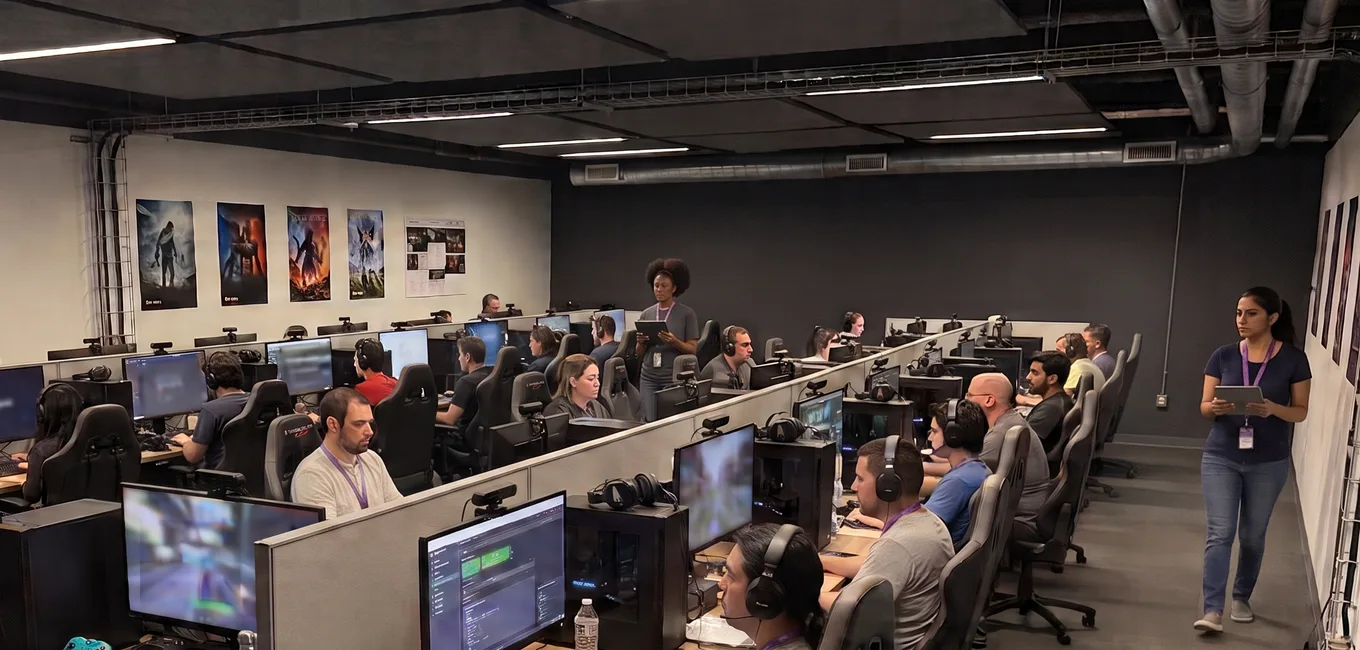
Live Aware isn't only for remote playtests. The same platform runs the lab you already have — and lets the people who couldn't travel join it.
Stream Keys From Any Rig
Point your existing lab capture setup or OBS straight at Live Aware with a self-serve stream key.
Your Observation Room, On One Screen
Run Gallery View on the observation display and watch every station side by side.
Remote Stakeholders, Same Session
Anyone who couldn't make it to the lab joins as a guest and observes the same live sessions from wherever they are.
"Live Aware solves a core game dev problem - ensuring our team is seeing what everyone else is seeing. You can capture, share, follow, comment, tag people and connect to Jira. It does everything devs need. My goal for Gardens is to break the sound barrier for iteration speed and Live Aware is a core pillar."

Serge Knystautas
Principal Engineer, Gardens
Run your next test on Live Aware.
Tell us about your team and we'll get your trial started.